Introduction
QtARMSim is an easy to use graphical ARM simulator. It provides an easy to use multiplatform ARM emulation environment that has been designed to be used on Computer Architecture introductory courses. It is a graphical interface to the ARMSim ARM simulator.
The ARMSim ARM simulator, Copyright (c) 2014-2020 by German Fabregat, is bundled with QtARMSim and can be found on the `armsim/` subdirectory of the QtARMSim installation path.
Screenshots
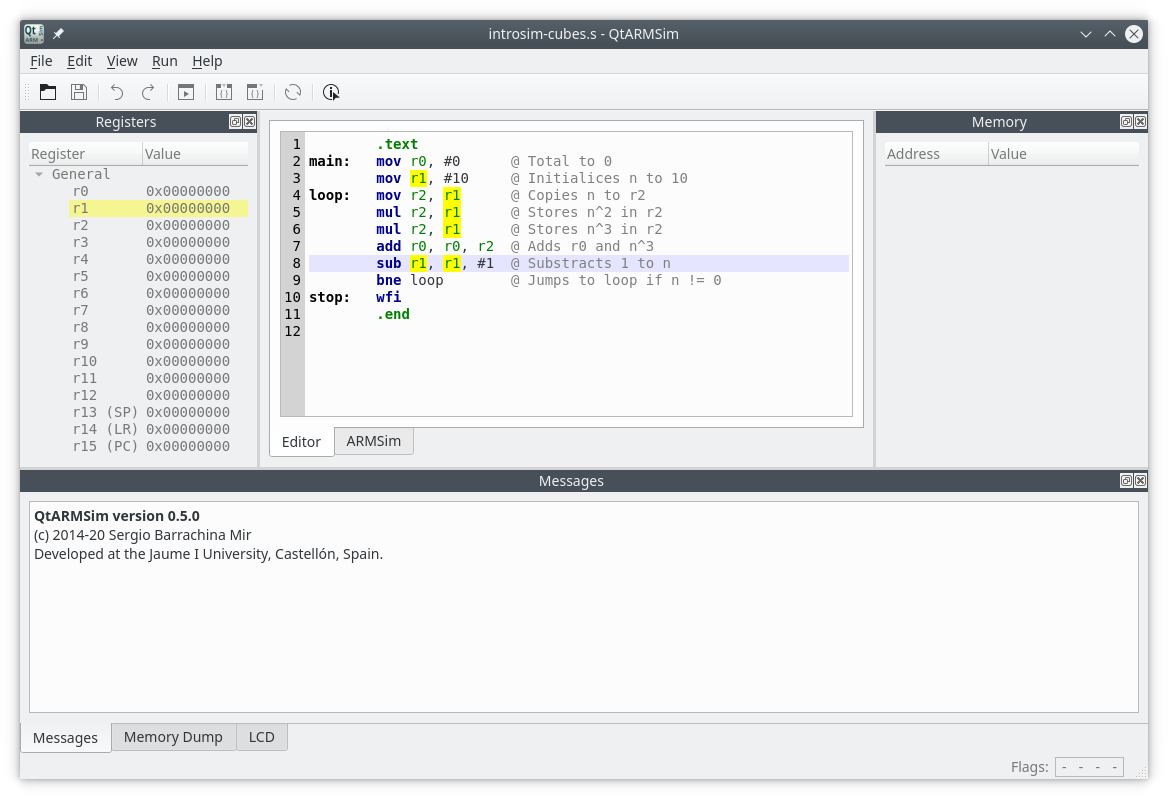
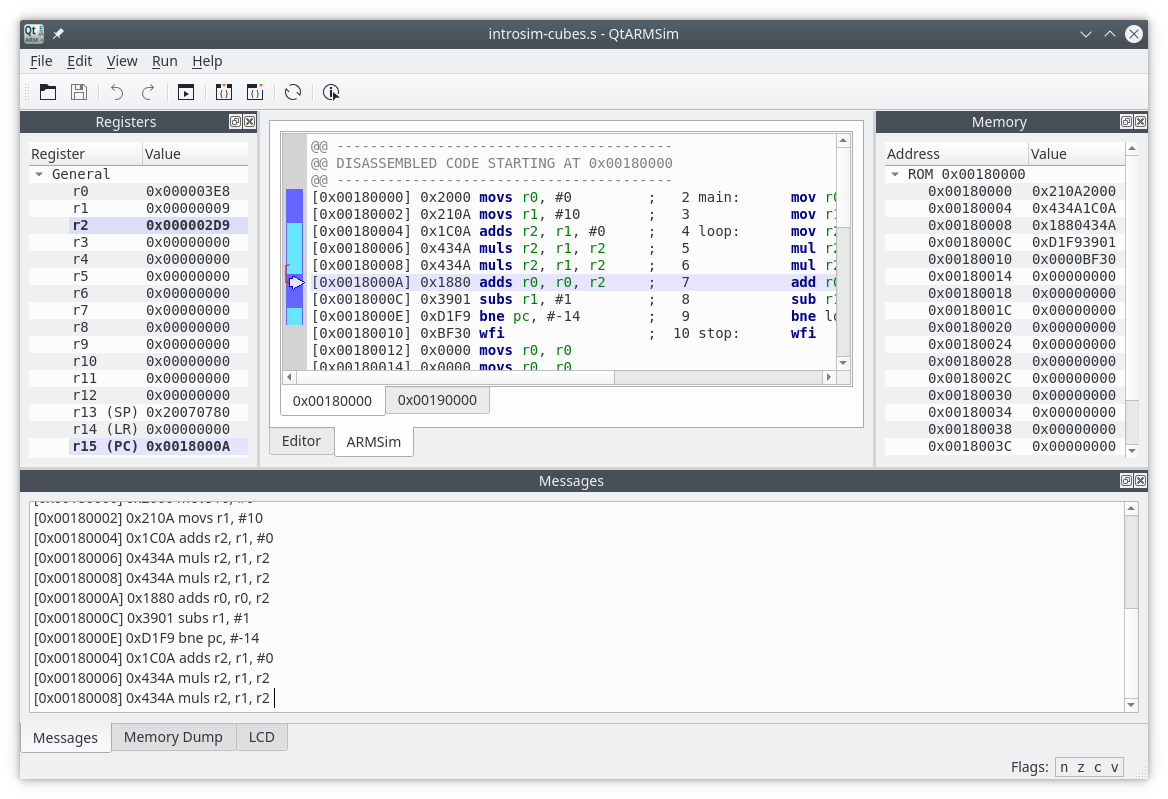
Running and installing QtARMSim
The easiest way to run or install QtARMSim is to download one of the next files, which contain standalone executables for GNU/Linux (Ubuntu), Windows, and macOS:
| File | Size | Digest |
|---|---|---|
| qtarmsim-ubuntu-2.0.5.zip | 96.4 MB | sha256:bc5865cd6f52ef5d776396f05165dc0d8784005be5baf4851a88265b00c5ab4a |
| qtarmsim-windows-2.0.5.zip | 64.7 MB | sha256:bc5865cd6f52ef5d776396f05165dc0d8784005be5baf4851a88265b00c5ab4a |
| qtarmsim-macos-2.0.5.zip | 48.7 MB | sha256:bc5865cd6f52ef5d776396f05165dc0d8784005be5baf4851a88265b00c5ab4a |
If you prefer to explore other ways to run or install QtARMSim, please follow the instructions at the QtARMSim Python Package Index page.
Publications
- Libro «Introducción a la Arquitectura de Computadores con QtARMSim y Arduino». (in Spanish)
- Sergio Barrachina Mir, Germán Fabregat Llueca, Juan Carlos Fernández Fernández, Germán León Navarro (2015). Utilizando ARMSim y QtARMSim para la docencia de Arquitectura de Computadores. ReVisión, 8(3). (in Spanish)